Notifications — Push Notifications
Give River can send you push notifications to keep you informed about activity that involves you.
What You Get Notified About
Give River sends push notifications to your phone (and, on the web, shows them in the bell list) for activity that involves you, for example:
- Someone recognizes you or sends you drops
- A teammate comments on or reacts to your post, or mentions you
- Reminders, such as a required River Run that's due or a goal milestone coming up
Turning Push Notifications On or Off
Push notifications are controlled in your phone's settings: go to Settings → Give River → Notifications and turn them on or off. See Give River Mobile App.
Goal Reminder Notifications
During a Performance season, Give River can remind you when a goal milestone is due soon or a goal falls behind pace. Those reminders always show in Dailies on Home, with a push notification on top. To turn the push off (or to get reminders all year), open My River > My Goals and tap the bell icon. See SMART Goals.
Your Notifications List
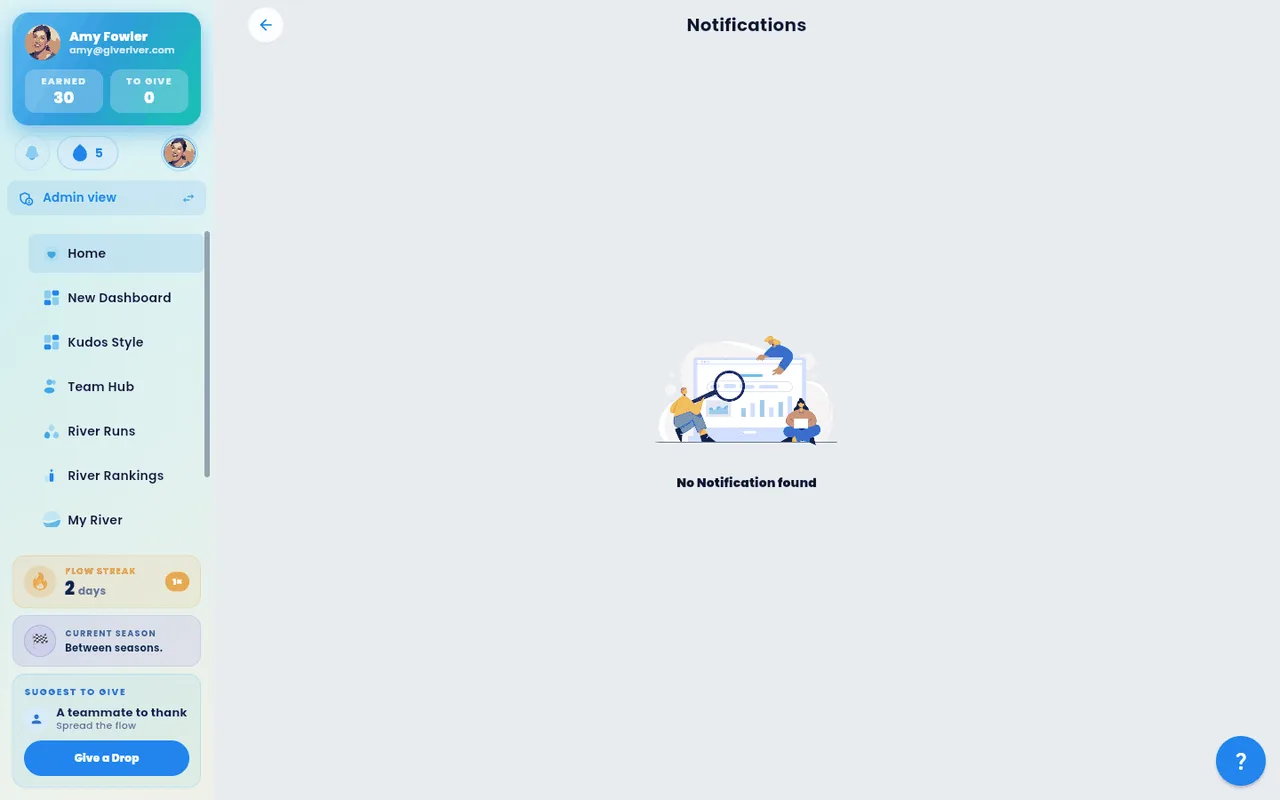
Tap the bell to see recent activity that involves you — recognition, comments on your posts, mentions and more, newest first. When there's nothing new, the list says You're all caught up and explains what will show up there. If the list can't load, it says so; pull down to try again.
Read and unread
- Unread notifications have a light tint, a colored border and a small dot in the top-right corner.
- The red number on the bell is how many notifications you haven't read yet. It goes away when you've read them all.
- Tap a notification to open what it's about (the post, the comment, the goal and so on). The notification stays in your list, shown as read — no tint, no dot — and the number on the bell goes down by one.
- Mark all as read, at the top of the list, marks every notification read at once and clears the number on the bell. It shows only while you have unread notifications.
Read notifications stay in your list, so you can come back to them later.
In-App Event Notifications
Separate from push notification settings, Give River also shows in-app popup notifications for certain events — such as earning a badge, receiving a sticker, getting a gift, or being invited to a group. These are delivered by Ugo, the platform mascot. See Ugo, Give River's Mascot.
Email Notifications
Push notifications (covered here) are separate from email notifications. To manage your email notification preferences, see Email Notification Preferences.
Did this article help?
Related articles.
See the platform in action.
Free for up to 25 members, or try Core or Growth free for 30 days. A card is required; Free is never charged, and a trial bills when it ends unless you cancel.