Signing In to Give River
Give River doesn't use passwords. Each time you sign in, you get a 4-digit one-time code by email (or by text, if you sign in with your phone number). You can also sign in with Google or, on iPhone, Apple.
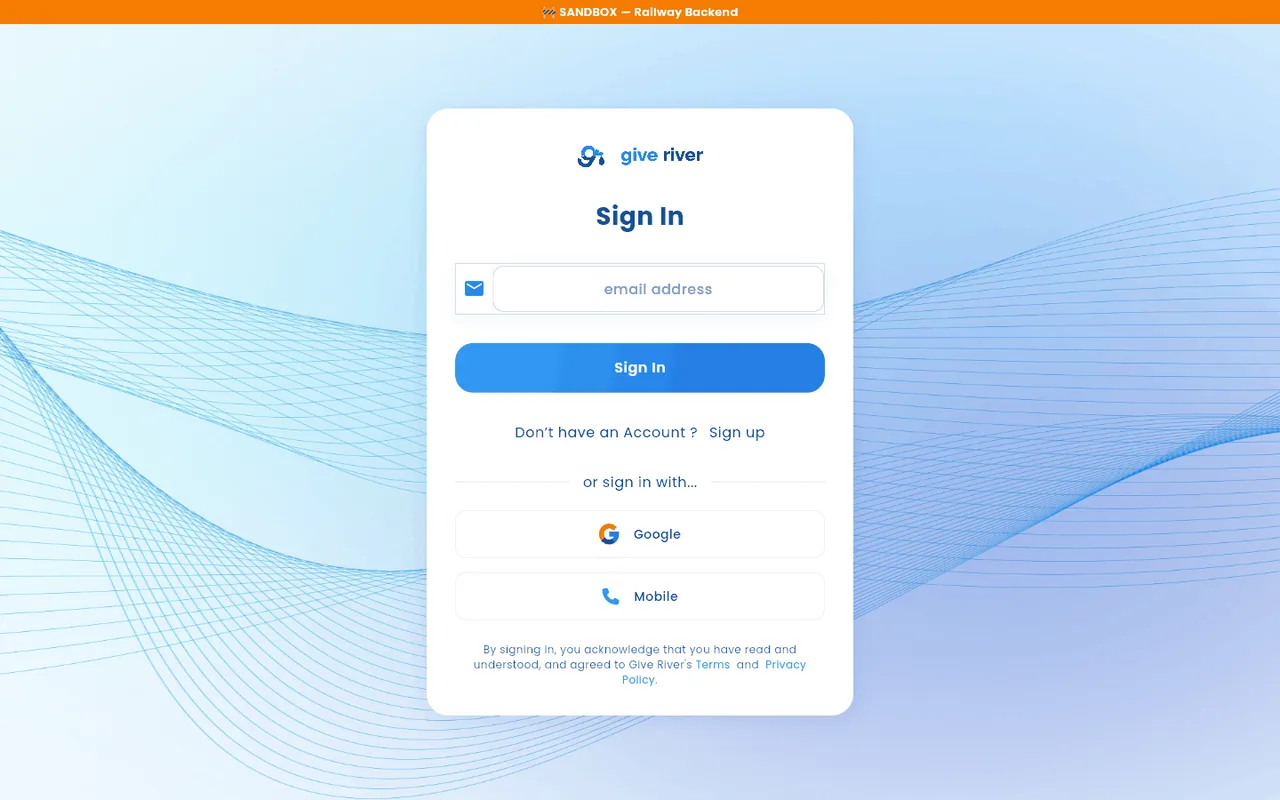
Email or Phone Login
- Open Give River. You start on the Sign In screen.
- Enter your email address. To use your phone number instead, tap Mobile under or sign in with... (tap Email to switch back).
- Tap Sign In.
- Give River sends a 4-digit verification code to your email, or by text message to your phone.
- Enter the code in the four boxes. Each digit moves you to the next box; Backspace moves you back.
- Tap Continue.
Wrong email?
Under the code boxes, the code screen shows the address the code went to (Code sent to …). If it's the wrong one, tap Change it next to Wrong email?. You go back to the email step with the address filled in, so you can fix it and tap Sign In again. A link you opened before signing in still opens once you're in.
The same link is on the code screen when you join your team with Join your team.
Resend or Get Help
- If you don't receive your code, tap Resend code (under Didn't get it?) on the verification screen to request a new one. The link is available 30 seconds after a code is sent; until then it counts down.
- If you're having trouble, tap Need help? to open an email to support@giveriver.com.
New to Give River?
Under the Sign In button:
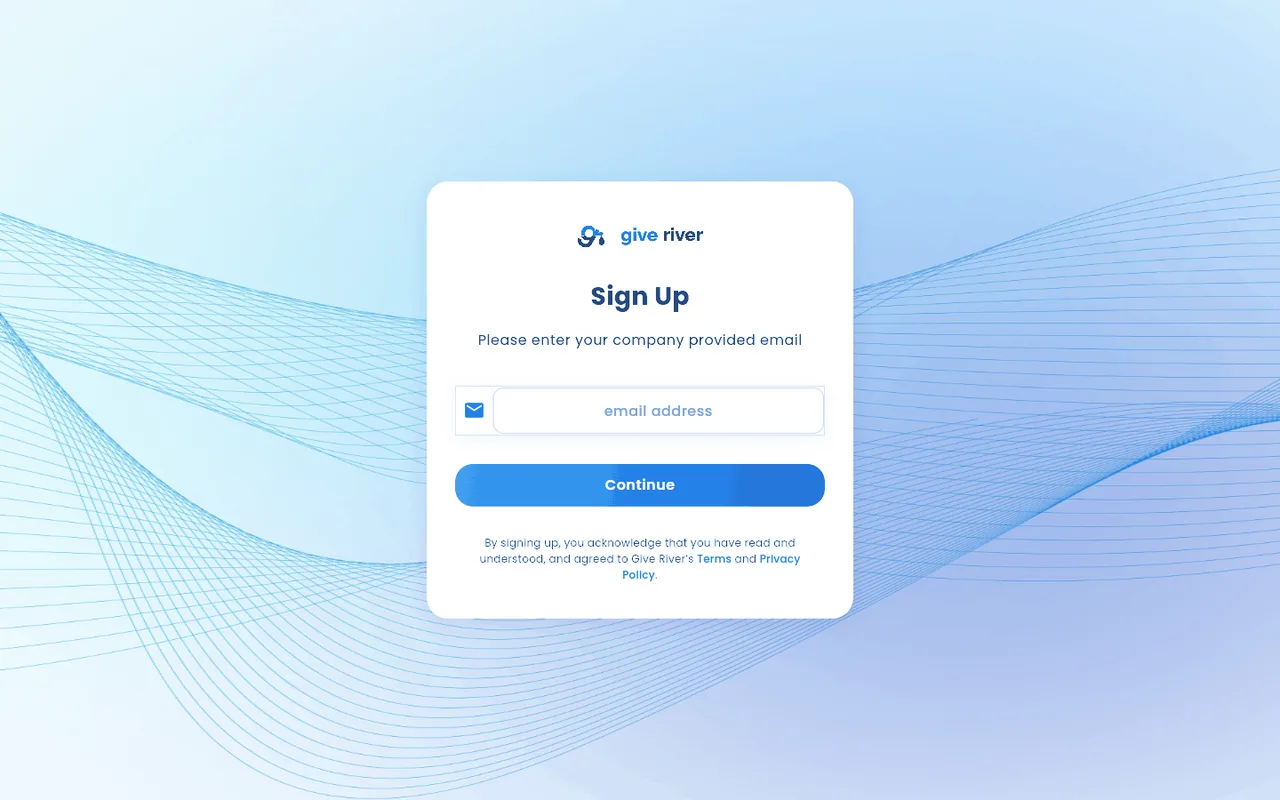
- Don't have an account? Join your team — for people joining their company's existing Give River team. Enter the email your company gave you; we email you a code (it expires in 15 minutes), and if it doesn't match, a note under the boxes says so.
Starting Give River for your company? Pick a plan on our pricing page; its button takes you to sign-up. See Signing up a new team.
Social Sign-In
Give River supports signing in with your existing accounts:
| Option | Availability |
|---|---|
| Available on all platforms (iOS, Android, web) | |
| Apple | Available on iOS only |
Tap Google or Apple under or sign in with... on the Sign In screen. You'll be redirected to your chosen provider to authorize Give River, then returned to the app automatically.
New vs. Returning Users
After you enter your code:
- First sign-in — you're asked to complete your profile, and then a short app tour starts on Home. See Your First Sign-In and the App Tour.
- Returning — you go straight to Home.
If you enter an email address that has no Give River account, you'll see Account Not Found. Companies aren't listed or searchable in Give River, so you join yours by invitation: under Have an invite?, paste the invite link your admin shared (or the invite code) and tap Continue to open your team's invitation. You can also use the link in an invitation email. No invite yet? Ask your admin to invite you.
Staying Signed In
You stay signed in on each device until you sign out. If you don't use Give River on a device for 90 days, that device is signed out, and you sign in again with a new code.
If your session ends while you're using Give River (for example after 90 days without use, or because your account was deleted from another device), you're taken to the sign-in screen with a short note explaining why. After you enter your code, Give River takes you back to the page you were on.
If an admin removes you from your company (or deactivates you), and it was the only Give River company you belong to, you're signed out on every device and the sign-in screen tells you which company removed you (for example, "You were signed out because your account was removed from Acme."). If you think this was a mistake, contact your company's admin.
Autofill
The four code boxes work as a single field. When your phone or browser suggests the code from a text message, accept it and all four boxes fill at once. Screen readers and the Tab key also treat the boxes as one field. You can still type the digits one by one.
Terms and Privacy
Links to Give River's Terms and Privacy Policy are on the Sign In screen. Tap either link to read them in your browser before creating an account.
Did this article help?
Related articles.
See the platform in action.
Free for up to 25 members, or try Core or Growth free for 30 days. A card is required; Free is never charged, and a trial bills when it ends unless you cancel.