How to Improve Employee Recognition Across Multiple Locations
Six practical ways to make recognition reach every site and shift, what to look for in a platform, and how a 25-location nonprofit did it.

The short answer: recognition across locations fails when it depends on who the manager sees. Fix it in six steps:
- Put recognition where every site already is: phones, Slack, or Microsoft Teams.
- Get everyone on the roster, with their location.
- Mix locations in the same teams.
- Make recognition visible across sites.
- Watch participation by location.
- Give site managers a short weekly rhythm.
Give River does each of these, and it's what CADC used across 25 locations in 12 counties.

Why recognition breaks down across locations
- Proximity bias. Managers recognize the people they see, so head office gets thanked and remote sites don't.
- No desk, no email. Frontline and shift staff miss anything that lives in a desktop tool or an inbox.
- Silos. People rarely see what happens at other sites, so cross-site help goes unnoticed.
- No data. Without numbers by location, nobody knows which sites are being left out until people leave.
Six ways to fix it
1. Put recognition where every location already is
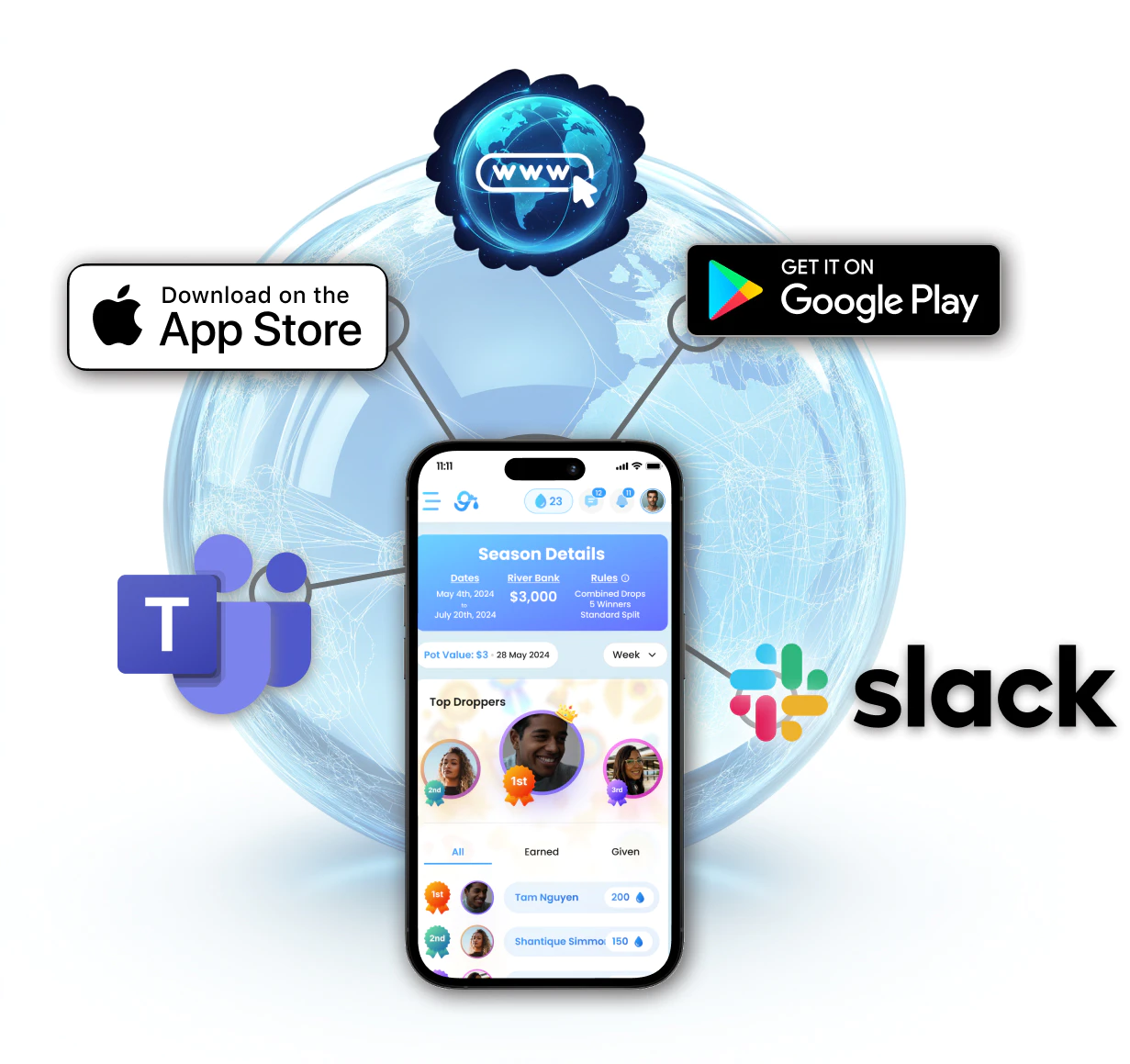
Desk teams live in Slack or Microsoft Teams; frontline staff live on their phones. Pick a platform that covers both. Give River works on the web, in Slack and Microsoft Teams, and in iOS and Android apps, with passwordless sign-in by email or phone number.
2. Get everyone on the roster, with their location
If a site isn't in the system, it can't be recognized. Sync your HR system, or import a CSV, and include each person's location. Give River syncs BambooHR automatically and imports from ADP, Rippling, Workday, Paylocity, and others by CSV. See HRIS Integration.
3. Mix locations in the same teams
Run a time-bound program where teams are made up of people from different sites. In a Give River Season, teams compete on shared goals for 1–3 months, so people get to know colleagues they'd never otherwise work with.
4. Make recognition visible across sites
A shared recognition feed lets every site see what the others are doing. Give River's Map of Good Deeds shows where recognition is happening across your organization, so a thank-you at one site is seen at all of them.
5. Watch participation by location
Filter your member list by location to see who's giving and receiving recognition. In Give River, a location filter can be saved as a segment and reused to target training, announcements, polls, and surveys at one site. See Audiences & Saved Segments.
6. Give site managers a light, weekly rhythm
Ask each site manager to spend 5–10 minutes a week recognizing their people and checking their site's activity. Small and regular beats a big annual awards night.
Case study: CADC, 25 locations across 12 counties
Central Arkansas Development Council is a 326-employee human services nonprofit, spread across 25 locations in 12 counties. It was running with reduced staffing and needed to encourage cross-team support and reduce feelings of isolation and overwhelm.
| Result | Change |
|---|---|
| Feelings of isolation and overwhelm | Down 9% |
| Cross-departmental support | Up 8% |
| Connection to coworkers | Up 8% |
| Want to do another Season | 85% |
HR also gained visibility into which teams work well together, through recognition patterns. Read the CADC case study.
What to look for in a platform
| Requirement | Why it matters | In Give River |
|---|---|---|
| Mobile apps | Frontline staff aren't at a desk | iOS and Android, on Core and Growth |
| Slack and Microsoft Teams | Desk teams stay in their chat tool | Slack on every plan; Teams from Core |
| Location on every profile | You can't fix what you can't see | From HRIS sync or CSV import |
| Cross-site teams | Builds connection between sites | Team Seasons, 1–3 months |
| Targeting by location | Site-specific training and surveys | Saved segments |
| A predictable price | Multi-site headcount changes | $5 per user per month on Core, published |
Transparent pricing, no surprises. Give River publishes every price: Free, Core at $5 per user per month, and Growth at up to $9. One price covers recognition, rewards, micro-learning, team challenges, and surveys, with no hidden upcharges or fees, no long-term contract, and no price that climbs once you're using it. See pricing.
Frequently asked questions
How do you recognize employees across multiple locations?
Use one recognition platform that every site can reach, on phones, Slack, or Microsoft Teams. Put everyone on the roster with their location, mix locations in team challenges, make recognition visible across sites, and track participation by location.
How do you recognize frontline employees who don't have a desk?
Give them a mobile app with simple sign-in. Give River's iOS and Android apps use passwordless sign-in by email or phone number, so staff without a company login can still give and receive recognition.
How can HR see which locations are engaged?
Filter recognition activity by location. In Give River, admins filter members by location and save that filter as a segment, then use it to target training, announcements, polls, and surveys at a site.
Has this worked for a multi-site organization?
Yes. CADC, a 326-employee nonprofit across 25 locations in 12 counties, cut feelings of isolation and overwhelm by 9% and raised cross-departmental support by 8%. 85% of participants wanted another Season.
What does multi-location recognition software cost?
Give River starts free, and Core is $5 per user per month, with no hidden upcharges or fees and no long-term contract.
More from this category.
Best Employee Recognition Software for Nonprofits (2026)
What nonprofits need from recognition software, what six platforms charge mission-driven teams, and how to get a grant-funded Season of Give River for free.

Employee Recognition Software Pricing in 2026: What 6 Platforms Charge
What Give River, Bonusly, Motivosity, Nectar, Awardco, and Workhuman charge in 2026, from their own sites: pricing models, minimums, fees, and contract terms.

Employee Recognition Platforms That Work With Microsoft Teams and Slack (2026)
Which recognition platforms work inside Microsoft Teams and Slack, and on which plans, from each vendor's own site, plus what Give River does in each.
See the platform in action.
30-day free trial. No credit card. River Guide included on Core and Growth.