Employee Recognition Platforms That Work With Microsoft Teams and Slack (2026)
Which recognition platforms work inside Microsoft Teams and Slack, and on which plans, from each vendor's own site, plus what Give River does in each.

The short answer: all six major recognition platforms we compared integrate with both Microsoft Teams and Slack. The differences are which plan includes them and what else you get:
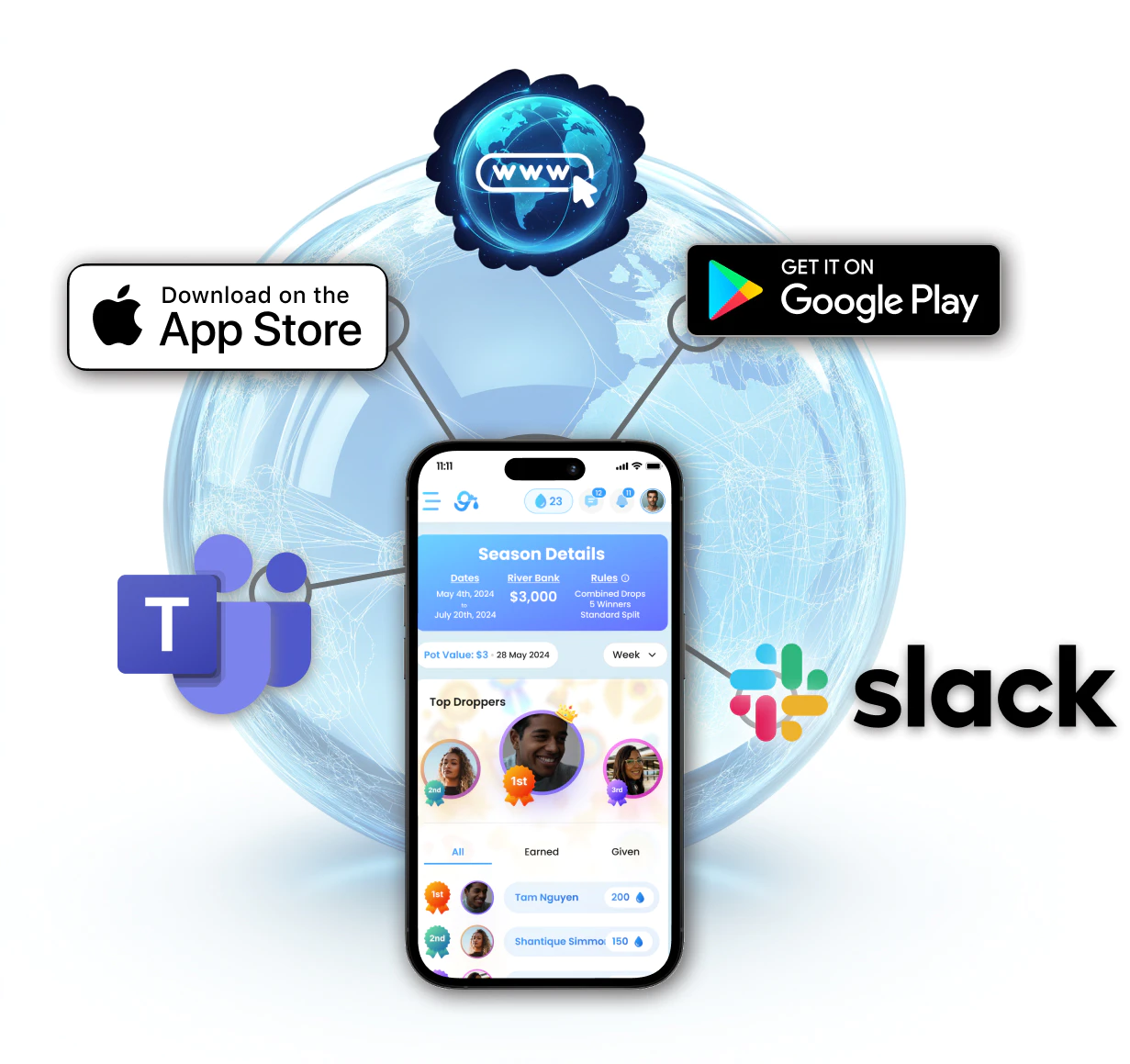
- Give River: Slack on every plan, including Free, and Microsoft Teams from Core at $5 per user per month.
- Bonusly: both on every plan.
- Bonusly and Motivosity: both also support Google Chat.
- Workhuman: its Teams app requires single sign-on.
Competitor facts come from each vendor's own website and help center, checked on October 4, 2026. We make Give River; sources are at the end.
At a glance
| Platform | Slack | Microsoft Teams | Also | Pricing |
|---|---|---|---|---|
| Give River | Every plan, including Free | Core and Growth | iOS and Android apps (Core and up) | Free; Core $5/user/mo; Growth up to $9 |
| Bonusly | All plans | All plans | Google Chat; iOS and Android apps | Free up to 8; Team $3–5/user/mo |
| Motivosity | Yes | Yes | Google Chat; iOS and Android apps | Custom quote, $3,000/yr minimum |
| Nectar | Yes | Yes | iOS and Android apps | Custom quote |
| Awardco | Yes | Yes | Mobile apps, when the employer enables them | Custom quote; from $3,000 for small businesses |
| Workhuman | Yes | Yes; the Teams app requires single sign-on | iPhone and Android apps | Custom quote; transaction fees |
What Give River does in Slack
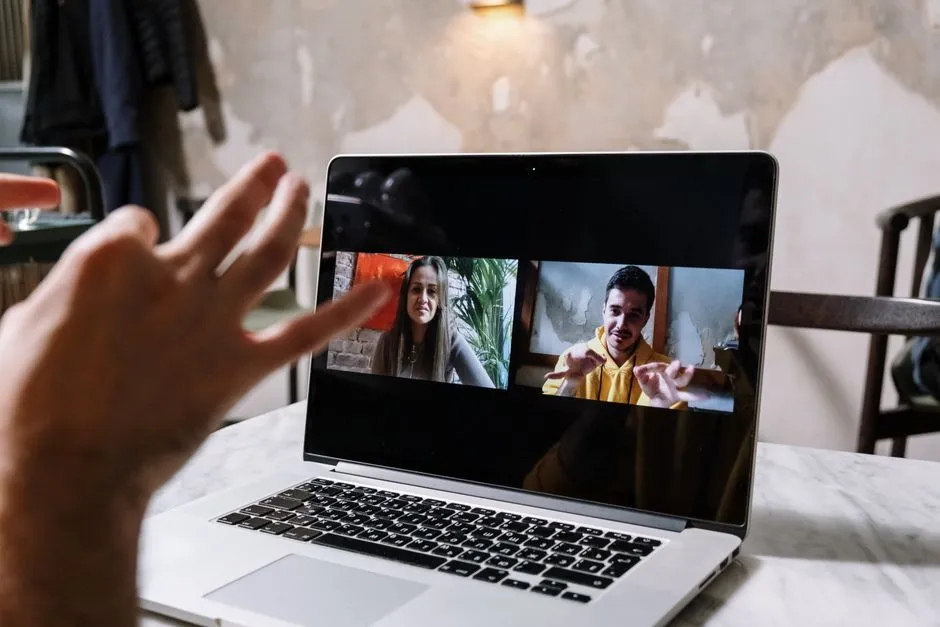
- Recognition without leaving Slack: give recognition from chat, with announcements in the channel, a DM to the recipient, or a post in a company-wide channel.
- Feedback Friday: a recurring prompt in the channel and on the day you choose.
- Leaderboard: River Rankings for the current week, past 7 days, month, or Season.
- Anonymous and private recognition: allow anonymous messages in chosen channels, and let members share Drops privately.
- Slack analytics: Slack activity alongside recognition in the Insights dashboard.
Admins manage all of this from Give River's Settings → Integrations, and changes sync back to Slack. See Slack Integration.
What Give River does in Microsoft Teams
- A Give River app inside Teams, so recognition activity shows up where your team collaborates.
- A simple setup: Give River gives you a Club ID and token to paste into the Teams app. You don't need anything from Azure or the Microsoft 365 admin center, only Teams admin rights.
See Microsoft Teams Integration.
Who it's best for, and who it isn't
Give River is a good fit if you:
- run on Slack or Microsoft Teams and want recognition to happen there, not in another tab;
- want recognition, micro-learning, surveys, and team challenges in one tool;
- are a team of roughly 10–500 people that wants published pricing.
Look elsewhere if you:
- run on Google Chat (Bonusly and Motivosity support it);
- need Teams on a free plan (Bonusly includes both chat apps on all plans; Give River's Free plan includes Slack only).
Setup, step by step
| Slack | Microsoft Teams | |
|---|---|---|
| Where | Give River → Settings → Integrations → Slack | Give River → Settings → Integrations → Microsoft Workspace |
| What you need | Your workspace URL, workspace ID, and a bot token from a Slack app | Teams admin rights; Give River provides the Club ID and token |
| Then | Choose channels, notifications, Feedback Friday, and the leaderboard period | Install the Give River app in Teams and paste the ID and token |
Proof: a whole Season in Slack
EXP — The Opportunity Engine, a 16-person youth education nonprofit, ran a 30-day Season focused purely on peer recognition in Slack. Participation reached 100%, and connection to colleagues rose 17%.
Transparent pricing, no surprises. Give River publishes every price: Free, Core at $5 per user per month, and Growth at up to $9. One price covers recognition, rewards, micro-learning, team challenges, and surveys, with no hidden upcharges or fees, no long-term contract, and no price that climbs once you're using it. See pricing.
Frequently asked questions
Which recognition platforms work with Microsoft Teams?
All six we compared: Give River (Core and Growth), Bonusly (all plans), Motivosity, Nectar, Awardco, and Workhuman (its Teams app requires single sign-on).
Which recognition platforms work with Slack?
All six we compared. Give River includes Slack on every plan, including Free, and Bonusly includes it on all plans.
Can employees give recognition without leaving Slack?
Yes. With Give River, recognition can be given and announced in Slack, by channel post, direct message, or a company-wide channel. Slack also gets Feedback Friday prompts and the River Rankings leaderboard.
How hard is it to connect Give River to Microsoft Teams?
An admin copies a Club ID and token from Give River and pastes them into the Give River app in Teams. Nothing is needed from Azure or the Microsoft 365 admin center; you only need Teams admin rights.
Is there a free recognition app for Slack?
Yes. Give River's Free plan includes Slack, peer recognition, custom company values, the River Rankings leaderboard, and your first gamified Season. Bonusly's free plan covers up to 8 users.
Sources
Competitor facts checked on October 4, 2026, from each vendor's own website and help center. Give River facts are from our pricing page and Help Center.
- Bonusly: integrations and pricing
- Motivosity: integrations and Slack setup
- Nectar: integrations and mobile app
- Awardco: integrations and mobile app
- Workhuman: integrations and Microsoft Teams
More from this category.
Best Employee Recognition Software for Nonprofits (2026)
What nonprofits need from recognition software, what six platforms charge mission-driven teams, and how to get a grant-funded Season of Give River for free.

Employee Recognition Software Pricing in 2026: What 6 Platforms Charge
What Give River, Bonusly, Motivosity, Nectar, Awardco, and Workhuman charge in 2026, from their own sites: pricing models, minimums, fees, and contract terms.

How to Improve Employee Recognition Across Multiple Locations
Six practical ways to make recognition reach every site and shift, what to look for in a platform, and how a 25-location nonprofit did it.
See the platform in action.
30-day free trial. No credit card. River Guide included on Core and Growth.